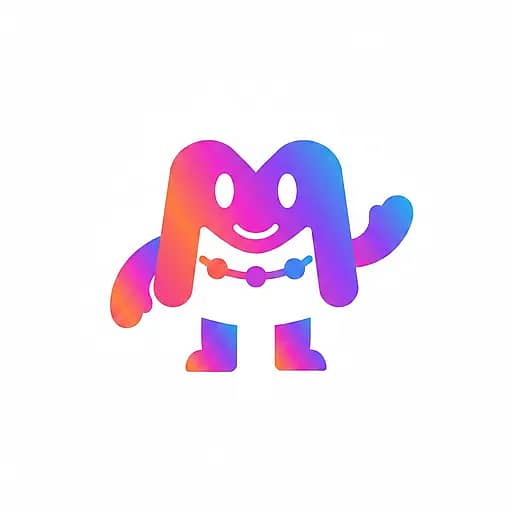
Mark with a face, waving hello
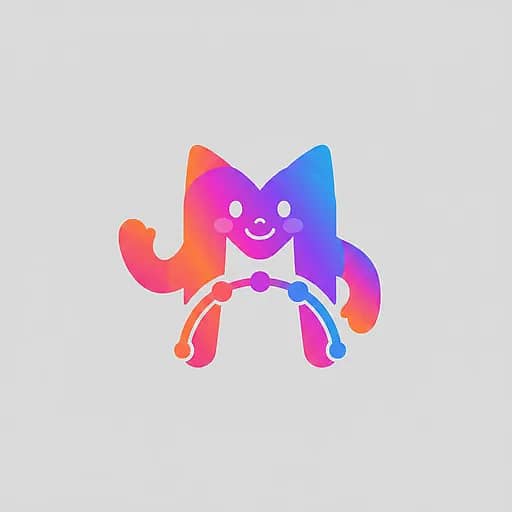
The mark keeps its silhouette and gradient, gains eyes and a smile, then waves — the safest style for any logo shape.
Turn your logo into an animated brand character
Most mascot generators start from a text prompt and hand you a stranger. This one starts from the logo you already use: the character is built from its exact shapes and colors, so it reads as your brand at a glance — then it waves, bounces and loops with one click.
One sample mark, three steps: the logo as uploaded, the character built from it, and the character brought to life — every asset rendered by the same pipeline you get below.
The mark keeps its silhouette and gradient, gains eyes and a smile, then waves — the safest style for any logo shape.
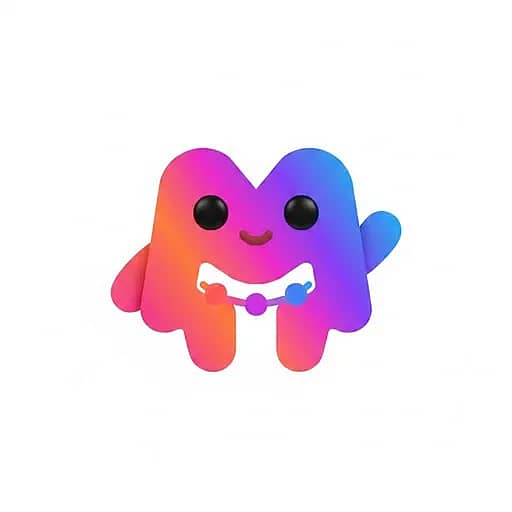
A plush, clay-like render of the same mark jumps for joy with a burst of confetti — built for launch posts and success screens.
The illustration-style character breathes, blinks and sways in a clean loop — the kind of idle animation that lives on a website or in an app.
Step one builds the character from your logo and costs a few credits, so you can refine it until it's right. Step two animates the character you approve — nothing renders until you say so.
Every style below is rendered from the same sample logo so you can compare them fairly. Whichever you pick, the character uses only your logo's colors — gradient included — and keeps its silhouette recognizable.
Your logo mark becomes the body; eyes, a mouth and small limbs are added where they fit. Works for any shape, including abstract geometry — the default for a reason.
A rounded, clay-like render with matte shading and big friendly eyes. The Pixar-adjacent look small businesses and SaaS brands reach for first.
Chibi proportions, a thick white die-cut outline and cel shading. Made for social posts, stickers and reaction images.
Clean geometric illustration in the tech-brand tradition. Sits naturally in empty states, onboarding screens and B2B decks.
An 8-bit sprite with a limited palette taken from your logo. Indie games, dev tools and retro-flavored brands.
Loose hand-drawn ink lines with a touch of your brand color. Cafés, makers, weddings — anything that should feel handmade.
A mascot earns its keep by showing up consistently. Because every asset here comes from the same character image, the still on your website and the wave in your video are visibly the same creature.
Empty states, 404 pages, loading screens and onboarding — the idle loop gives a page life without distracting from the task.
Waves, bounces and celebrations as short clips or GIFs; the sticker style doubles as a reaction pack for your community.
Open or close every video with the character greeting viewers — pair it with the intro generator for a logo sting that carries the same face.
A still character at the top of a newsletter or the corner of a proposal is the cheapest way to make a template feel like a brand.
The clean PNG scales to stickers, mugs and box art; the flat and doodle styles print cleanly in one or two colors.
Crop the character into an emoji or a bot avatar so internal tools and support replies wear the brand too.
Built on the same engine as our AI logo animation maker and AI intro video generator — one account, every export format.
How it works
No drawing, no prompt engineering, no rigging. The generator works from the logo file you already have.
PNG, JPG or WebP. Symbol logos and marks give the strongest results; wordmark-only logos get a character built from their colors and letterform silhouettes — never from the letters themselves.
Choose one of six styles and a personality. Refine with a sentence — “add glasses”, “make it wink” — or regenerate until it's right. Only the character you approve moves on.
Pick a motion — wave, bounce, celebrate or idle loop — and render a short 1:1 clip. Download the PNG, MP4, GIF or WebP and use the same character everywhere.
The mascots people remember share a few habits. None of them require a design degree — they mostly require restraint.
The best mascots are your logo with a personality, not a second logo. Starting from your mark means the character inherits the silhouette customers already recognize, so it doesn't compete with your brand — it extends it.
New hues are how a mascot drifts off-brand. The generator locks the character to your logo's colors, including a gradient if you have one, which is also what keeps stills and animations looking like one character.
Friendly, playful or confident is a decision about posture and expression, not accessories. Pick the attitude first; hats and gadgets can be added with a one-line refinement later.
A mascot that only exists as a still is a logo variant. A wave on the homepage, a bounce in a launch post and an idle loop in the app are what turn a drawing into a character people feel they've met.
AI image models like to invent lettering, and lettering on a mascot ages badly across sizes. The generator forbids text in the character; put your name next to it in real type instead.
Logo to mascot, answered
Upload once, pick a style, and meet the character your customers will recognize instantly.